Building My NAS
Fractal Node 804 D.I.Y. NAS
After deciding on building a NAS in the summer of 2025, I browsed Facebook Marketplace and found a homelabber getting rid of a SuperMicro motherboard, CPU, 32GB ECC RAM, M.2 expansion card, PSU - all for around $200. I still have yet to sell the original CPU and stock cooler that came with the motherboard.
As I waited for the 804 case to arrive, I still needed mirrored SATA SSD boot drives to complete my desired build. I ended up finding a seller getting rid of two brand new 1TB Samsung Sata SSDs. The price? $50 each... While I only needed 250GB at most for simply boot drives, I couldn't give up this crazy deal.
Other items purchased to finalize the build: a Noctua CPU cooler, Intel Xeon CPU, case fans, and a 1TB M.2 SSD for L2ARC cache.
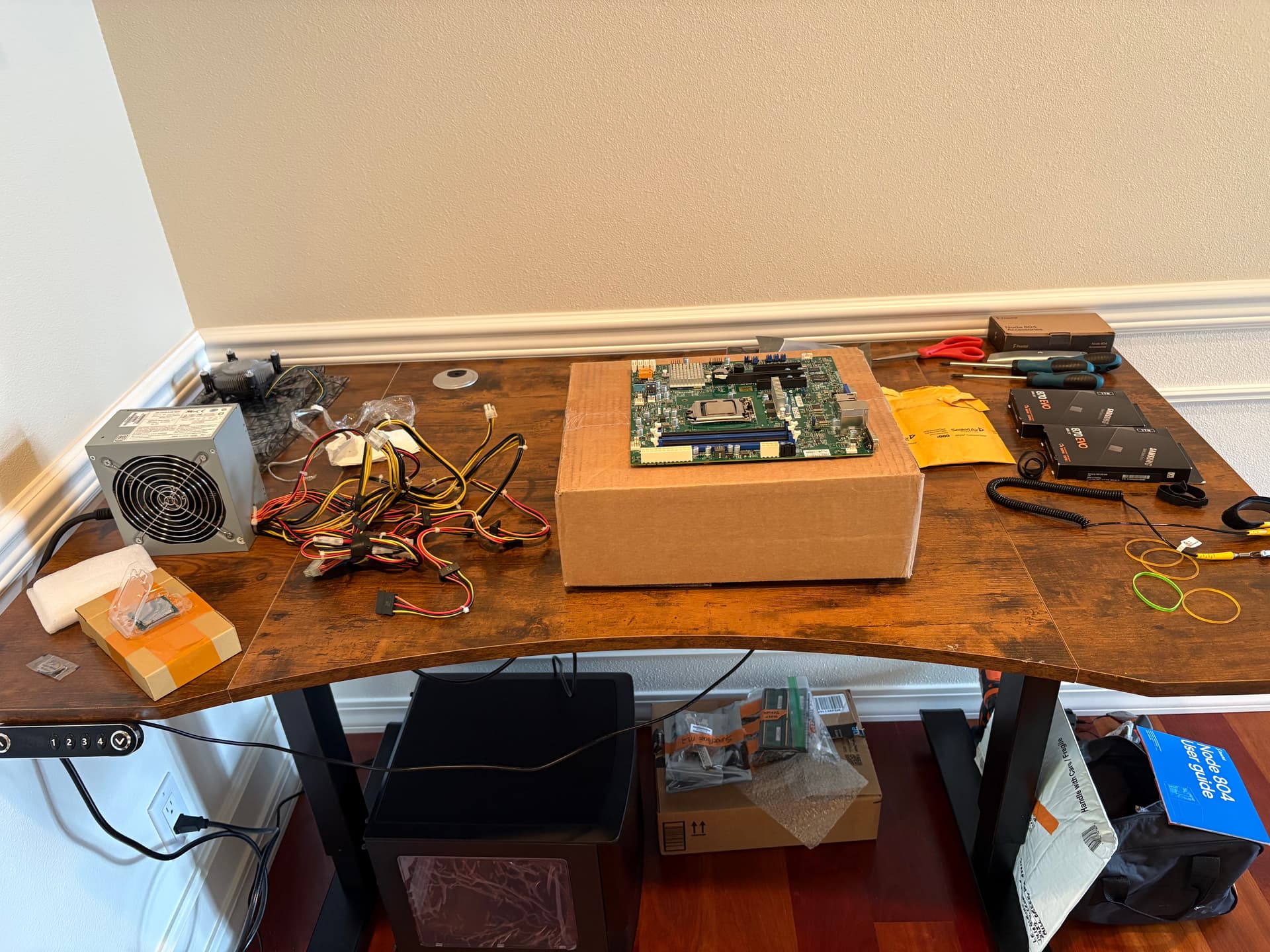 Picture taken during the build
Complications
During the build, I ran into multiple issues:
-
Short PSU Cables
- The SuperMicro power supply cables (motherboard, CPU and SATA power) were not long enough to reach their respective locations which I only found out during the build. I had to order extension cables from Amazon. J&D for SATA power and CableMOD for motherboard/cpu cables. No issues.
-
VGA Only
- The motherboard is so old that it only supports VGA output which meant I needed to pick up a VGA to HDMI adapter similar to this if I wanted to set it up without IPMI. I don't think even I knew what IPMI was capable of at the time anyways.
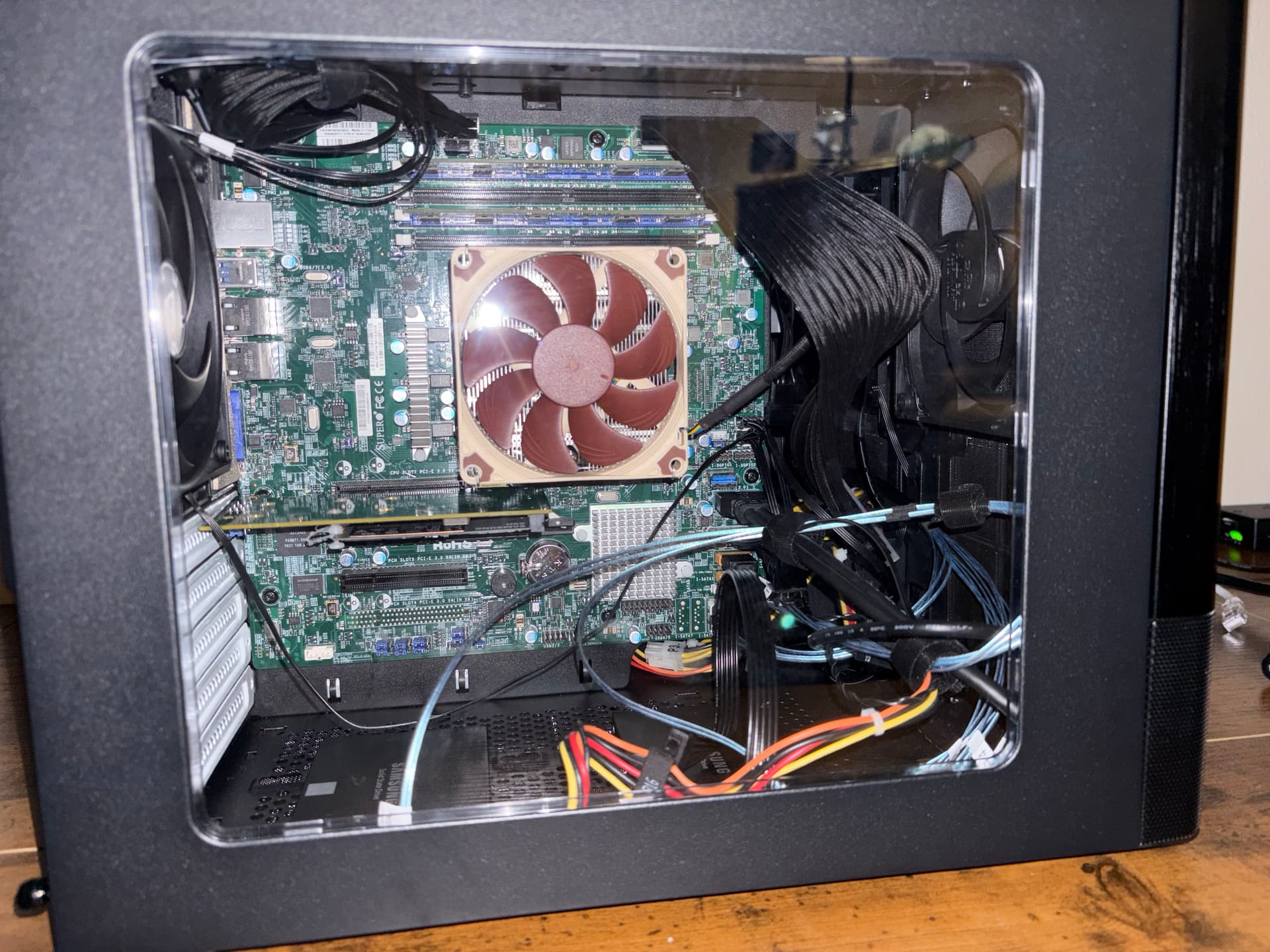 Before adding Intel x570 DA2
Notes
Aesthetics and Hardware:
- As this server is not meant to be put on display, I didn't take the time to cable manage (looking at photos makes me regret this decision lol).
- The only PCIe card pictured is the M.2 expansion card provided by the FB Marketplace seller. More recently, I've installed a dual SFP+ card and use the onboard ethernet for IPMI/management only.
Upgrades:
- Modular power supply that allows for more SATA power cables as I currently have only one spot left. Plus better cable management and safer to operate than a used PSU.
- Second M.2 SSD for fast storage or additional L2ARC cache.
- More NAS Hard Drives (3/8 slots currently populated).
My upcoming post about my server rack will explain more about where the NAS is currently located.
Conclusion
Everything went quite smoothly in terms of the functionality of the hardware despite the cable and display issues. I will eventually be using this NAS as an offsite backup or at least repurpose some of the hardware into a rackmount solution.
For a detailed view of all software and hardware, visit the GitHub Repo.